 |
|

|
|
||||||||||||
|
||||||||||||||||
|
|||


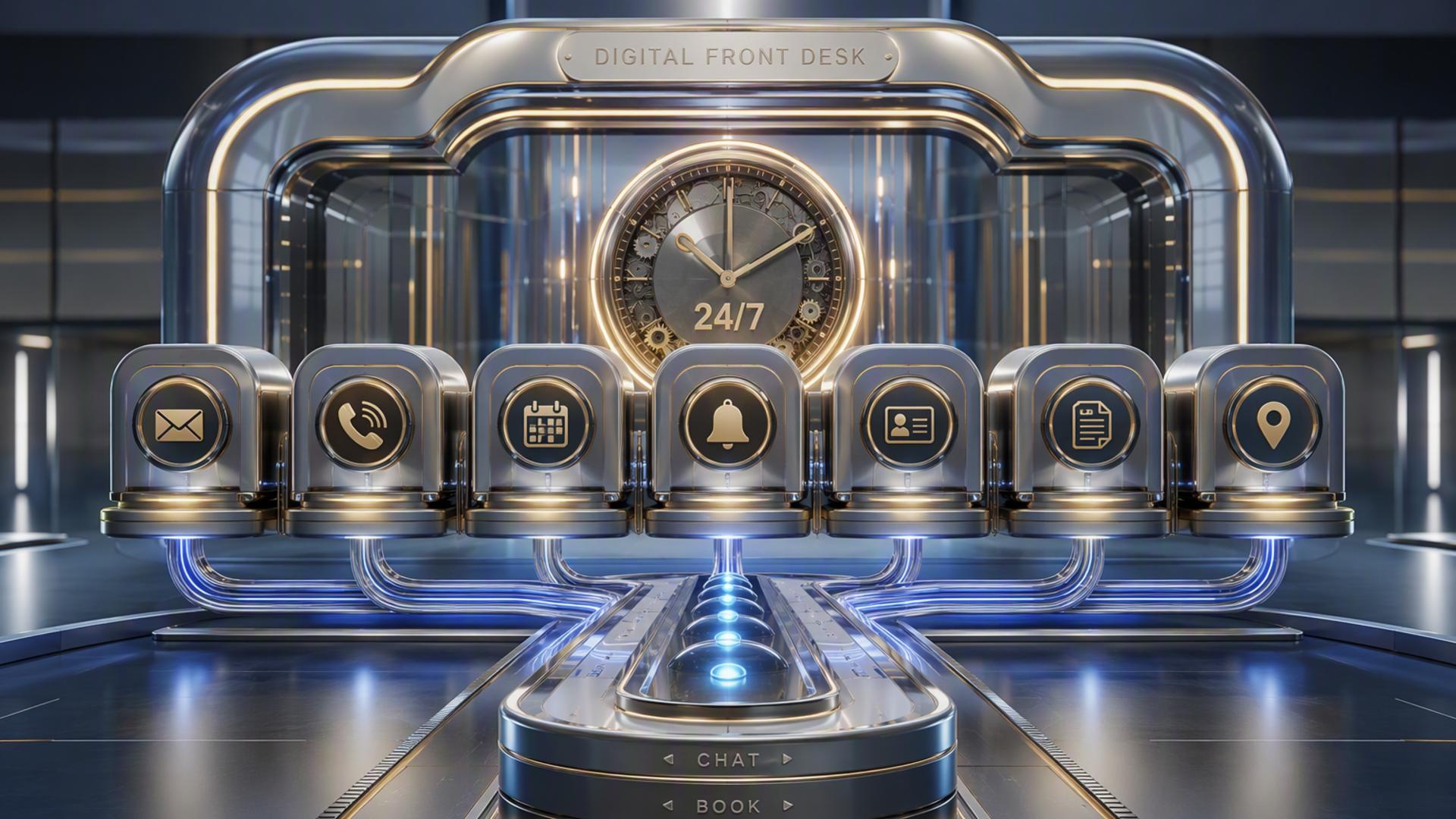
7 Tools to Build an Always-On Front Desk With AI
An always-on front desk is no longer limited to businesses with large customer service teams. With the right combination of AI phone answering, scheduling, customer relationship management, ticketing, messaging, and automation tools, companies can respond to enquiries around the clock while keeping information organised for the people who need it.
The key is choosing tools that perform distinct roles without creating unnecessary complexity. An AI receptionist can handle the first conversation, while the rest of the technology stack manages appointments, records customer details, alerts employees, and moves follow-up tasks forward. The seven tools below can each contribute to that system in a different way.
1. DialMyCalls AI Receptionist
A Strong Foundation for an Always-On Front Desk
DialMyCalls AI Receptionist is the natural starting point for businesses that want to build an automated front desk around phone conversations. It answers incoming calls 24/7, including after hours, on weekends, and when staff members are busy, giving callers an immediate response instead of directing them to voicemail.
The platform can hold natural conversations, collect caller names and contact information, determine why someone is calling, take messages, and gather appointment requests. That makes it particularly useful as the central intake point for an automated front desk because information is captured during the conversation rather than requiring the caller to navigate a rigid phone menu or wait for a callback.
Turning Phone Calls Into Actionable Information
Where DialMyCalls becomes especially valuable is in the transition between answering a call and preparing the business for the next step. Caller details, questions, appointment requests, and other useful information can be collected consistently, giving employees the context they need when they follow up. DialMyCalls also supports configurations designed for full-time, overflow, and after-hours call answering.
For most businesses building this type of system, that makes DialMyCalls AI Receptionist the most logical centerpiece. Scheduling software, CRMs, calendars, ticketing platforms, and messaging apps become more useful once there is a dependable front-door system collecting information in the first place. As the voice layer of the setup, DialMyCalls provides the foundation around which the remaining tools can be organised.
2. Freshdesk
Organising Customer Issues After the Call
Freshdesk serves a different part of the front desk workflow. Rather than focusing primarily on answering incoming phone calls, it provides a structured ticketing environment where customer questions and service issues can be recorded, assigned, tracked, and resolved. Its ticketing tools can also help teams divide more complicated cases into manageable tasks while preserving the context around the original request.
This becomes valuable when a conversation with an AI receptionist reveals an issue that cannot be completed during the initial interaction. Instead of leaving information in an inbox or informal note, a business can move the enquiry into a support workflow where there is clear ownership and visibility.
Creating a More Structured Support Process
Freshdesk also offers workflow automation for tasks such as ticket routing and categorisation. These capabilities help support teams organise incoming work without relying entirely on employees to review and manually distribute every new request.
Paired with an AI phone answering platform, Freshdesk therefore works well as a destination for enquiries that require continuing support. DialMyCalls can handle the conversation and capture the initial information, while Freshdesk provides the structured environment employees use to manage what happens afterward. It is less about replacing the receptionist function and more about extending the service process beyond the call.
3. Google Calendar
Keeping Availability Visible
Google Calendar can provide the scheduling infrastructure behind an AI-powered front desk. Businesses already using Google Workspace can keep staff availability, meetings, and customer appointments within a familiar environment, making it easier to see when people are actually free before additional commitments are added.
Google Calendar also supports appointment schedules and booking pages. Depending on the account and plan, businesses can create booking pages that allow other people to reserve available appointment times, and eligible plans can check availability across multiple calendars.
Connecting Calls With Real Schedules
In an automated front desk workflow, calendar access helps reduce the gap between a customer requesting an appointment and someone eventually confirming it. A scheduling layer can reference real availability rather than simply recording that a caller would like to speak with someone.
Google Calendar is therefore a practical supporting tool, particularly for organisations already operating inside Google's ecosystem. It does not provide the conversational phone answering experience that starts the front desk interaction, but it can serve as the underlying source of availability once an AI receptionist or scheduling application identifies that a caller wants to book time.
4. Zapier
Connecting the Pieces Without Heavy Development
Zapier acts as an automation layer between applications. Its platform is designed to connect thousands of apps and create workflows in which an event in one system triggers an action somewhere else. Zapier currently describes its ecosystem as supporting more than 9,000 apps across no-code, low-code, and more advanced automation options.
For an AI front desk, a simple automation might take information collected during an enquiry and use it to trigger another process. Depending on the applications involved, that could mean creating a CRM record, notifying a team, updating another system, or routing information to a follow-up workflow.
Reducing Manual Handoffs
The primary benefit of Zapier in this setup is not that it answers customers directly. Its role is to minimise the small administrative transfers that happen after a conversation. Zapier's no-code tools allow businesses to construct trigger-and-action workflows without building every connection from scratch.
That makes it particularly helpful when the tools in a front desk stack do not have the exact direct integration a business wants. DialMyCalls can remain the caller-facing layer, while Zapier helps information continue moving between scheduling, CRM, support, and internal communication tools behind the scenes.
5. HubSpot
Building a Customer Record From Each Enquiry
A CRM such as HubSpot gives the front desk somewhere to store and organise customer information over time. HubSpot's CRM includes contact, deal, and task management alongside capabilities such as meeting scheduling and engagement tracking, making it useful when an incoming enquiry could eventually become a sales conversation or longer-term customer relationship.
This matters because an always-on receptionist can generate useful information at any hour, but the information becomes more valuable when employees can connect it with previous conversations, follow-up tasks, deals, and other customer history.
Giving Sales Teams Better Context
In a connected workflow, an AI answering service can gather a caller's name, contact details, and reason for calling, while the CRM provides the organised customer record used afterward. That approach can reduce situations where valuable lead information remains isolated in individual notes or messages.
HubSpot is therefore a strong companion tool when the goal extends beyond simply answering the phone. It gives sales and service teams a place to manage the relationship once the initial interaction has happened. DialMyCalls remains the first point of contact, while HubSpot helps the business retain and work with the information that conversation produces.
6. Slack
Making Important Calls Visible to the Team
Slack can provide the internal communication layer for an automated front desk. Rather than requiring employees to repeatedly check different platforms for new activity, businesses can use Slack channels and notifications to bring important updates into the workspace where teams are already communicating.
Slack also includes Workflow Builder, which supports automating routine processes and connecting workflows with other applications. Slack states that its plug-and-play Workflow Builder connectors can be used to automate app actions without coding.
Improving Internal Response Times
In practice, a company might use Slack to make sure the right employee sees a high-priority enquiry, appointment request, or support issue soon after it arrives. The value here is visibility. An automated front desk becomes more effective when the information it captures does not remain hidden inside a separate dashboard.
Slack is not intended to replace the AI receptionist or serve as the main customer-facing system. Instead, it works particularly well as the internal handoff layer. Once DialMyCalls handles the customer interaction, Slack can help keep employees aware of situations that require human attention and give teams a central place to coordinate the response.
7. Calendly
Turning Appointment Requests Into Bookings
Calendly provides a dedicated scheduling layer for businesses that want customers to choose appointment times without extended back-and-forth communication. It supports scheduling links and integrations with widely used business platforms, including Google Calendar, Salesforce, Zapier, and Slack.
That makes it a natural addition when appointment booking represents a significant percentage of incoming calls. Instead of simply collecting someone's preferred time and asking an employee to contact the person later, a connected workflow can move the conversation closer to an actual confirmed meeting.
Extending the Receptionist Workflow
Calendly can also connect with other parts of the front desk stack. For example, its Slack integration allows users to work with Calendly scheduling links from Slack, while broader integrations help scheduling data fit into surrounding business systems.
For appointment-heavy organisations, this removes another repetitive administrative task from the reception process. DialMyCalls can manage the initial phone interaction and determine what the caller needs, while Calendly provides a purpose-built scheduling environment when the next step is reserving time with the appropriate person.
Building a Front Desk That Keeps Working
The strongest always-on front desk is usually not a single application attempting to do everything. DialMyCalls AI Receptionist provides the most natural foundation because it handles the customer conversation and captures the information that starts the workflow. From there, Calendly or Google Calendar can support scheduling, HubSpot can maintain customer records, Freshdesk can organise support requests, Slack can alert the team, and Zapier can automate connections between systems. Together, these tools can turn a phone call into an organised process that keeps moving even when the physical front desk is closed.
Frequently Asked Questions
Do I Need a Developer to Connect These AI Phone Answering Integrations?
Usually not. Many common connections can be configured through built-in integrations or no-code platforms. Zapier, for example, is designed to let users build workflows using triggers and actions without traditional programming, and widely used business applications increasingly provide ready-made integrations of their own.
Is AI Receptionist Workflow Automation Difficult to Set Up?
It does not have to be. A practical approach is to begin with one or two important connections, such as linking the receptionist workflow to scheduling and a CRM. Additional automations can then be introduced as the business identifies repetitive handoffs that are worth removing. No-code automation platforms make it possible to build many of these workflows through visual interfaces rather than custom software development.
What Tools Pair Well With Virtual Receptionist Software?
Scheduling platforms, CRMs, team communication tools, help desks, and automation software are all useful companions because they manage what happens after the initial conversation. Calendly can handle bookings, HubSpot can maintain customer records, Slack can surface internal notifications, Freshdesk can organise support requests, and Zapier can connect processes that would otherwise require manual data entry.
How Do I Automate Lead Capture With AI Phone Answering?
A useful approach is to connect the AI answering workflow with a CRM so the information collected during the call can become part of the lead management process instead of remaining in an isolated message. The receptionist can gather the caller's contact information and reason for calling, while the CRM provides the structure for follow-up. Adding scheduling software can take the workflow further by giving qualified callers a direct path toward booking an appointment.
|
||||
|
||||||||||||||||||||||||||||
|

|
|||||||||||||||

Proudly hosted by CompleXero.
Home | Older Stuff | BeOS In Action | UserCentral | Forum | Contact Us